Markdown Styling Comprehensive Test
This is a comprehensive test post to verify all markdown features are rendering correctly with the new styling system.
Headings Hierarchy
This document tests all heading levels from H1 through H6.
Heading Level 3
This is a level 3 heading with important content below.
Heading Level 4
Used for subsections within major sections.
Heading Level 5
For fine-grained organization.
Heading Level 6
The smallest heading level, styled in uppercase for distinction.
Text Formatting
This paragraph demonstrates bold text, italic text and bold and italic together. You can also use inline code within paragraphs to reference code or commands.
The styling uses a 20px base font with 1.75 line height for readability on all devices.
Lists
Unordered Lists
- First item with coral markers
- Second item with important information
- Third item with a nested list:
- Nested item one
- Nested item two
- Nested item three
- Back to main level
Ordered Lists
- First step in a sequence
- Second step with details
- Third step with sub-steps:
- Sub-step
- Sub-step
- Sub-step
- ordered sub-sub-step
- ordered sub-sub-step
- ordered sub-sub-step
- ordered sub-sub-step
- Fourth and final step
Blockquotes
This is a blockquote with the new coral border styling and sand background. It should be rendered in Lora serif font at 22px for elegant quotation display.
Multiple paragraphs in blockquotes are supported. Each paragraph maintains the warm, inviting aesthetic.
Links
Test different link styles:
- Internal link to repertoire
- External link to Google
- Link with very long text to test the 650px max-width constraint on paragraph elements while maintaining readability across different screen sizes
Links should display in choir-blue with a 2px underline that has 4px offset. Hovering should change the underline to coral color.
Code Blocks
Inline Code
You can use inline code within paragraphs like this example with a peach-tint background.
Code Blocks
// This is a code block with dark background
function greetChoir(name) {
  return `Welcome to Chichester Community Choir, ${name}!`;
}

console.log(greetChoir("Sarah"));
/* CSS code block example */
.choir-member {
  enthusiasm: 100%;
  voice: beautiful;
  harmony: perfect;
}
Tables
| Part | Voice Range | Difficulty | Status |
|---|---|---|---|
| Soprano | C4-A5 | Medium | Learning |
| Alto | G3-D5 | Easy | Learned |
| Tenor | C3-G4 | Hard | Learning |
| Bass | E2-E4 | Medium | Learned |
Tables should have choir-blue-dark headers with coral bottom borders, alternating row colors on hover, and responsive overflow for mobile devices.
Horizontal Rules
The horizontal rule above should use coral color at 30% opacity with 3px thickness and generous spacing (48px margins).
Another section after a divider with more content.
Images
Below is a test image (default - medium size, centered):
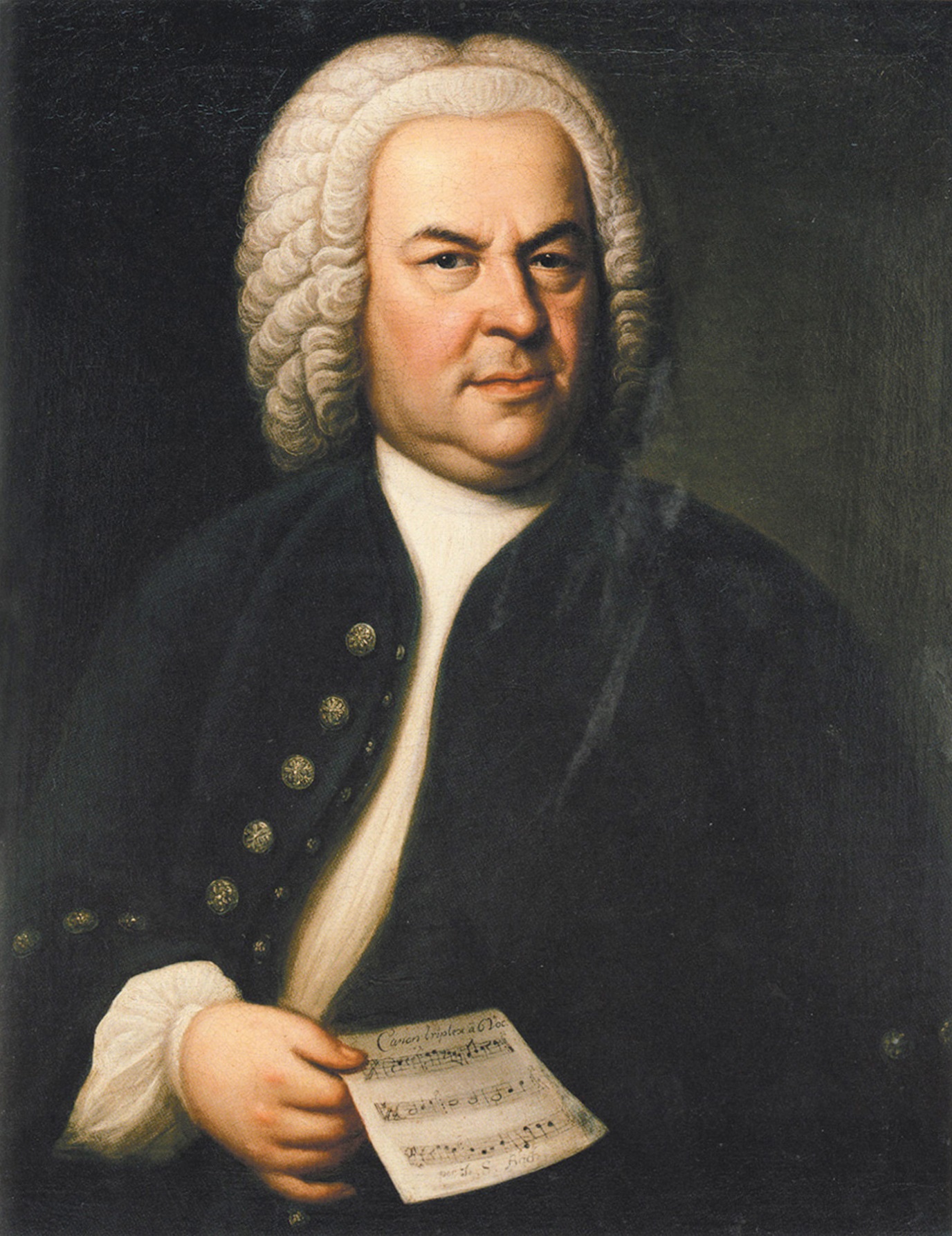
Images should be displayed with rounded corners, warm shadow, and a caption showing the alt text below.
Image Size Tests
Small Image (300px)
Medium Image (500px)
Large Image (900px)
Full Width Image
Image Alignment Tests
Left Aligned (small)
Centered (medium - default)
Right Aligned (small)
Combined Size and Alignment
Large Left
Large Center
Large Right
Combined Features
This section tests combinations of features:
- Bold and italic in lists
Codein blockquotes:Here's a quote with
inline codeinside it- Links with formatting: bold link
- Code in lists:
variable = "value"
Accessibility Notes
The styling system includes:
- Focus indicators: Coral ring appears on keyboard navigation
- Touch targets: 48×48px minimum for interactive elements
- Color contrast: All combinations exceed WCAG AA 4.5:1 ratio
- Line length: Max 650px prevents eye fatigue
- Font size: 20px base for older readers
Summary
This test post covers all markdown elements:
- ✅ All heading levels (h1-h6)
- ✅ Paragraphs with proper spacing
- ✅ Unordered lists with coral markers
- ✅ Ordered lists
- ✅ Nested lists
- ✅ Blockquotes with coral border and peach tint
- ✅ Links with choir-blue color and underline
- ✅ Inline code with peach-tint background
- ✅ Code blocks with dark theme
- ✅ Strong and emphasis text
- ✅ Tables with proper styling
- ✅ Images with captions
- ✅ Image sizes: small, medium, large, full
- ✅ Image alignments: left, center, right
- ✅ Combined size and alignment modifiers
- ✅ Horizontal rules with coral accent
If everything above renders correctly, the markdown styling system is working as designed!